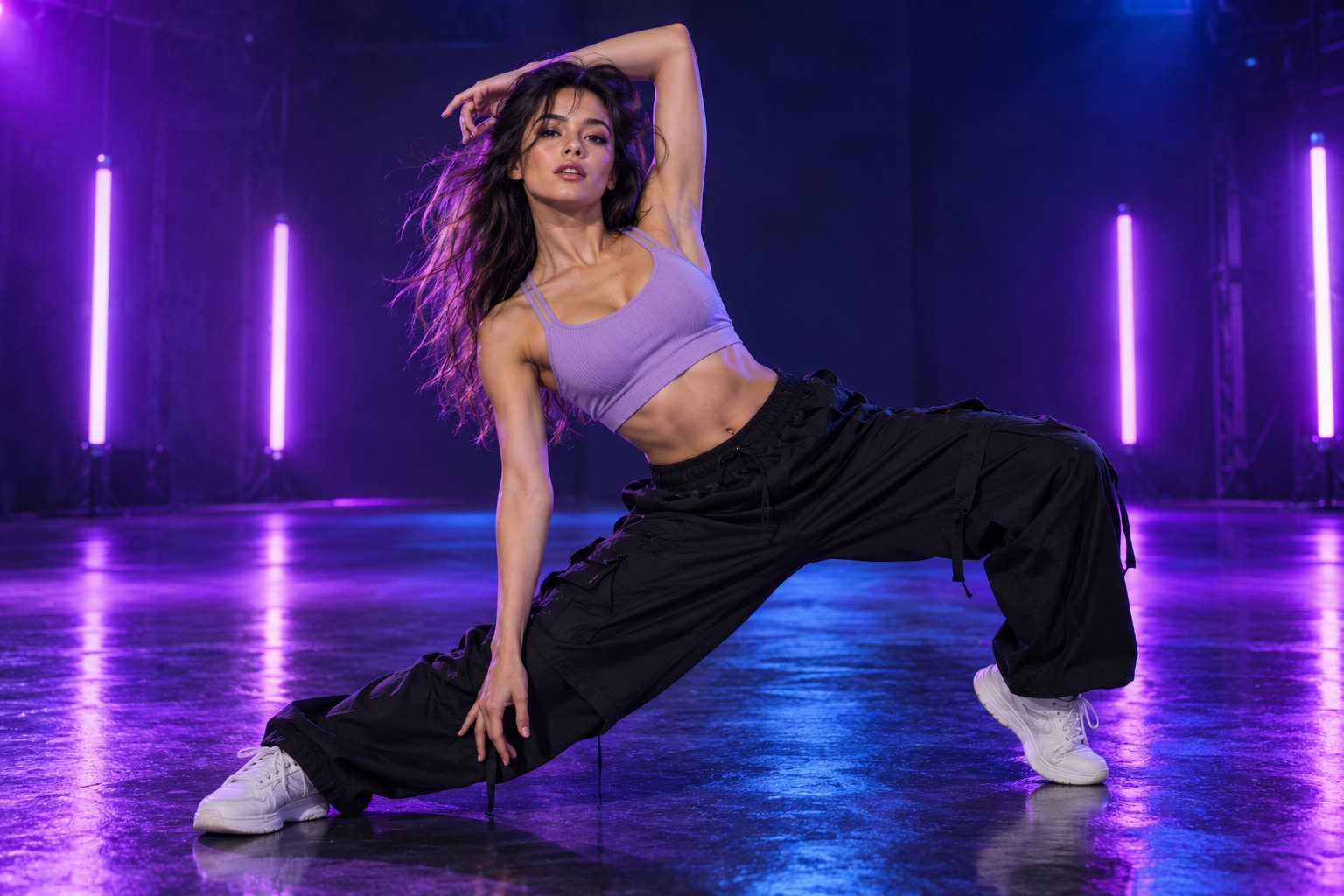
Give movement some room.
A portrait that shows your shoulders or more of your body gives the model a clearer starting point for a dance-inspired clip.
A LITTLE MORE MOVEMENT
Turn a still portrait into a short, dance-inspired scene. Bring the attitude. Add your favorite beat afterward.
Explore the AI rap video generatorDIRECT YOUR ENERGY
A portrait that shows your shoulders or more of your body gives the model a clearer starting point for a dance-inspired clip.
Choose even lighting and a simple background. Avoid several faces in one image so your subject is easy to identify.
Choose vertical for a phone-first clip. Add audio and time your cut to the drop in your video editor.
FROM PHOTO TO MAIN CHARACTER
Choose a clear portrait from your camera roll, or take one right here. This is your starting frame.
Pick rap, dance, or cinematic on the homepage. Choose a format and duration for your clip.
Preview your video free. Choose a one-time pack when you want an available HD download without the watermark.
Made for your visuals. Clips are silent; add your own track in your favorite video editor.
GOOD QUESTIONS
It is a short AI-generated visual with dance-inspired movement and a rap-video look. Your photo provides the subject, and the dance preset supplies the scene direction for the clip.
No. Start with a still photo. A clear portrait or a photo that shows more of your body gives the model a visual reference. The dance preset supplies the movement direction.
This tool creates motion from a photo and a dance preset. It does not take a reference dance video, so exact choreography and repeated moves are not guaranteed.
The generated clip is silent. Add a beat or a track afterward in your video editor. If you want movement to land on specific beats, trim the clip and align it to your audio while editing.
Your first 480p preview is free with a watermark. Watch the result before choosing a one-time credit pack for an available HD download without the watermark.