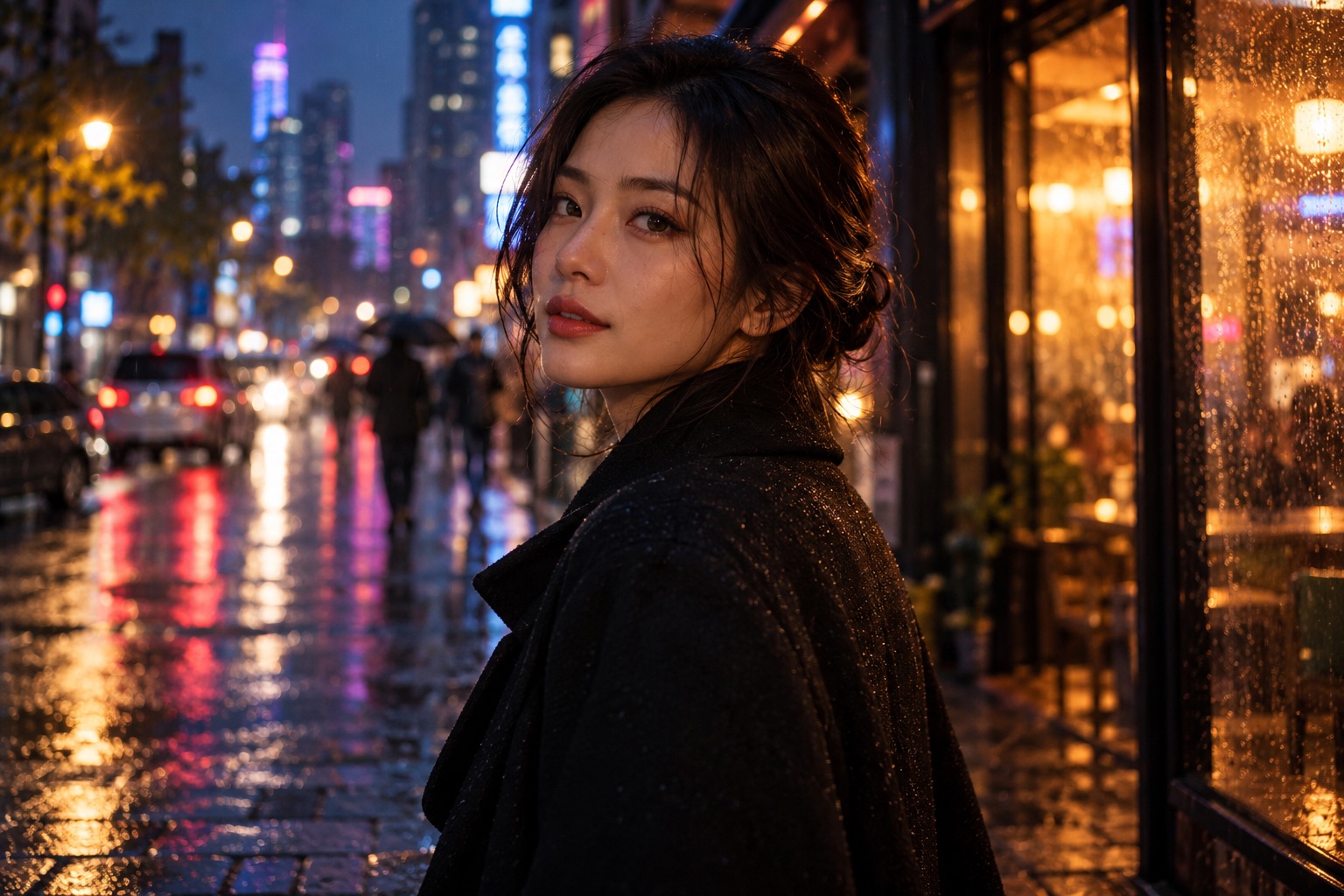
Find a visual anchor.
Start with a portrait that fits the track. Think about the expression, clothes, and light you want to carry into the scene.
GIVE YOUR SOUND A SETTING
Make a cinematic visual from a photo. Create a short silent clip, then bring it together with your music in the edit.
Try the AI rap video generatorMAKE THE VISUAL MATCH THE FEELING
Start with a portrait that fits the track. Think about the expression, clothes, and light you want to carry into the scene.
Use photos with a similar color palette and lighting when you want separate shots to feel connected in your edit.
Add your track afterward. Trim your shots to the rhythm, and use a longer held shot when the song needs space.
This tool makes video visuals. Song generation, audio upload, automatic beat matching, and lip sync are not included.
FROM PHOTO TO MAIN CHARACTER
Choose a clear portrait from your camera roll, or take one right here. This is your starting frame.
Pick rap, dance, or cinematic on the homepage. Choose a format and duration for your clip.
Preview your video free. Choose a one-time pack when you want an available HD download without the watermark.
Made for your visuals. Clips are silent; add your own track in your favorite video editor.
GOOD QUESTIONS
It creates short visual clips from a photo and a cinematic preset. To make a complete music video, generate your shots, download them, and assemble them with your song in a video editor.
Audio upload and automatic beat synchronization are not part of this version. The clip is silent so you can place it over your own track and control its timing in an editor.
This page starts with the cinematic preset for an atmospheric visual. Explore the effects directory for the rap performance and dance tools if you want a different kind of movement.
Yes. Select 9:16 before generating for vertical framing. You can also choose a square or landscape format. Keep in mind that a longer music-video edit will need additional clips and audio.
No subscription is needed. Preview your first watermarked 480p clip free and use a one-time credit pack for an available HD download without the watermark.